September 11, 2026
Why Do My Camp Snap Photos Look Washed Out? (And How to Fix It)
If your Camp Snap photos look flat, and lack-luster it's the stock processing, not something you did. Here's why it happens, what helps, and the filter fix.

The short answer
If your Camp Snap photos look flat, or a bit washed out, it's almost certainly not something you did wrong. It's the camera's default processing.
Straight out of the box, the Camp Snap comes loaded with a filter, but that filter aims for a safe, low contrast output. It makes the most of the sensors limited dynamic range, and makes sure lots of the highlights and shadows are captured.
The fix is to change what the camera does at the moment you press the shutter, so the shot already has some life in it. That's what a filter does, and we'll get to it below. First, why it happens.
Why Camp Snap photos come out this way
Three things work against a punchy straight-out-of-camera look:
The default filters are conservative. The camera applies a fairly gentle, neutral grade to the image. Nothing is clipped, nothing is saturated, everything is kept in the middle. Safe... but a bit bland.
The sensor is small. It's a compact camera built around simplicity and battery life, not a large sensor chasing dynamic range. This means the sensor has limited dynamic range, and if you overdo the contrast you start losing details.
There's no editing step. With a phone, software quietly adds contrast, colour and sharpening before you ever see the picture, and it has advanced algorithms to help it. The Camp Snap has no such help, it just applies the filter, the exact same way to every image, and most people never take it any further.
Put together, you get a technically fine photo that just looks a bit lifeless.
The fix: add a better filter
A filter is a small configuration file the camera reads when it powers on. It tells the camera how to render the images as it captures them and writes them to the card. Think of it like a set of instructions that tell the camera what to do with the data it captures. Once installed, every shot comes off the camera with the look already applied. No app, no editing, no presets to add later and a much better looking image straight out of the camera.
Better quality filter = better looking pictures!
This is the step most people are missing. It's not about fixing broken photos afterwards, it's about the camera making a better-looking photo in the first place. (If you're specifically chasing a film look, we go deeper on that here.)
Where to start
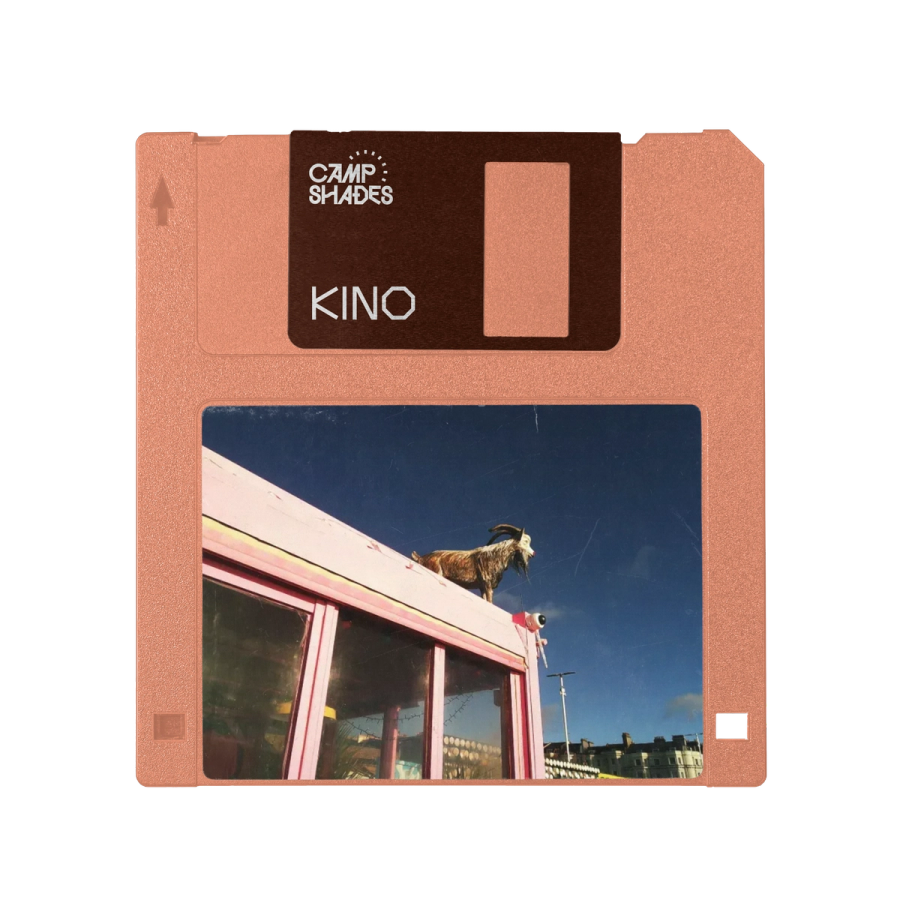
- Kino is our free filter, and the easiest place to begin. Punchy, colourful, happiest in daylight. Load it, shoot a day out, and compare it to your older photos.
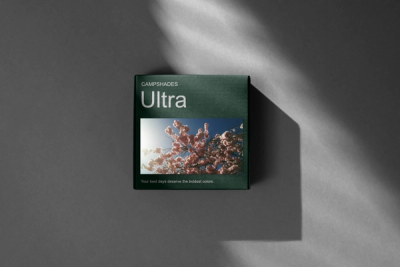
- Ultra goes further: green in the shadows, pink in the highlights, richer colour without tipping into cartoonish. Our most popular paid filter.
- The Essentials Collection bundles seven looks, including warm, faded and black-and-white options, so you can match the filter to the subject.
If you only do one thing, put Kino on and take it out for a day. The difference from the stock look is usually obvious straight away.
What to expect
Filters change how colour and contrast are handled. They don't add grain, and they wont compensate for poor choices. Good light, composition and a clear subject still matter.
What they do fix is the bland look of the images that come from the default filters on the camera. That part is down to the colour grade, and the grade is exactly what a filter changes. A good filter will instantly make your images pop and have a much nicer look about them, much more like the film photos you remember from yesteryear
Quick recap
- Washed-out Camp Snap photos come from conservative default filters, a small sensor, and no editing step, not user error.
- The real fix is a better filter, which replaces the neutral default grade with a stronger one at the moment you shoot.
- Start with the free Kino filter and compare it to your current photos.
Get the filter
Kino
Based on a very popular colour negative film. This filter is punchy and colourful, and a good all rounder. But especially loves the outdoors, and the sunshine.
You might also enjoy
Using Camp Shades Filters with the Camp Snap 2 (v201)
The Camp Snap 2 (v201) has six built-in filter slots, so you can load multiple looks at once and switch between them on the camera. Here's how to get your Camp Shades filters set up on the CS2.

How to Get a Film Camera Look Without a Film Camera
Love the look of film but not the cost or hassle of shooting it? Here's how a Camp Snap and the right filter gets you most of the way there, straight out of camera.
Introducing: Ultra - Our first premium Camp Snap filter
Camp Shades' new premium filter for your Camp Snap. Rich green shadows meet playful pink highlights that truly make sunshine moments pop
All about Camp Snap filters and how to make them
What’s a Camp Snap filter? Why might you want to use one? And how can you make your own?