July 14, 2026
Using Camp Shades Filters with the Camp Snap 2 (v201)
The Camp Snap 2 (v201) has six built-in filter slots, so you can load multiple looks at once and switch between them on the camera. Here's how to get your Camp Shades filters set up on the CS2.
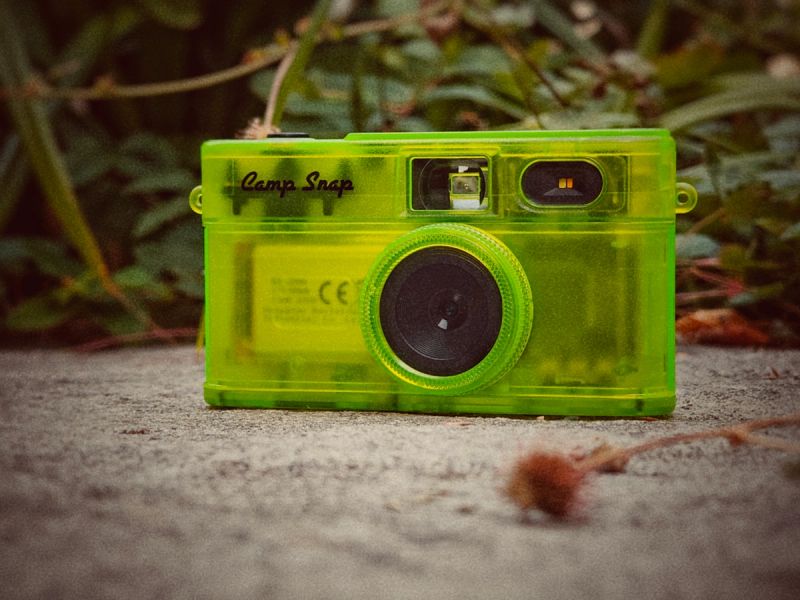
The Camp Snap 2 filter system
The Camp Snap 2 takes a different approach to filters compared to the v103 and v105. Instead of loading a single filter file at a time, the Camp Snap 2 has six dedicated filter slots built in. You fill those slots once, and from then on you can switch between all six looks directly on the camera — no computer needed each time you want a different look.
The only catch is that each filter file needs to be named exactly right to match the slot it lives in. The six slot names are:
- S.flt — Standard
- A.flt — Analogue
- V1.flt — Vintage 1
- V2.flt — Vintage 2
- V3.flt — Vintage 3
- Bw.flt — Black & White
Assigning your filters to slots
Once you've downloaded your custom filters, you'll have a collection of .flt files. Before copying them to your camera, rename each one to match the slot you want it in.
For example, if you wanted the Camp ShadesExpired filter in the Vintage 1 slot and Cafe Latte in the Black & White slot, you'd rename them like this:
Expired.flt→V1.fltCafe Latte.flt→Bw.flt
There's no rule about which filter has to go in which slot — that's entirely up to you. The slot names are just labels so the camera knows which is which when you're switching between them.
Installation
- Download your Camp Shades filter files
- Rename each filter file to match the slot you want it in (see above)
- Connect your Camp Snap 2 to your computer with a USB-C cable — it will appear as a connected device called 'CAMPSNAP'
- Copy your renamed filter files to the root of the device (the top level, not inside any folder)
- Eject the camera and disconnect
- Turn it on and get shooting
You don't have to fill every slot — load as many or as few as you like.
Removing filters
To go back to the camera defaults, just connect your Camp Snap 2 to your computer and delete the filter files from the root of the device. Once you eject and power back on, the camera will fall back to its built-in defaults automatically.
If you haven't picked up your Camp Shades filters yet, the Essentials Collection is a great place to start — seven filters covering B&W, vintage, colour and film looks, giving you plenty to fill all six slots with.
Get the filter
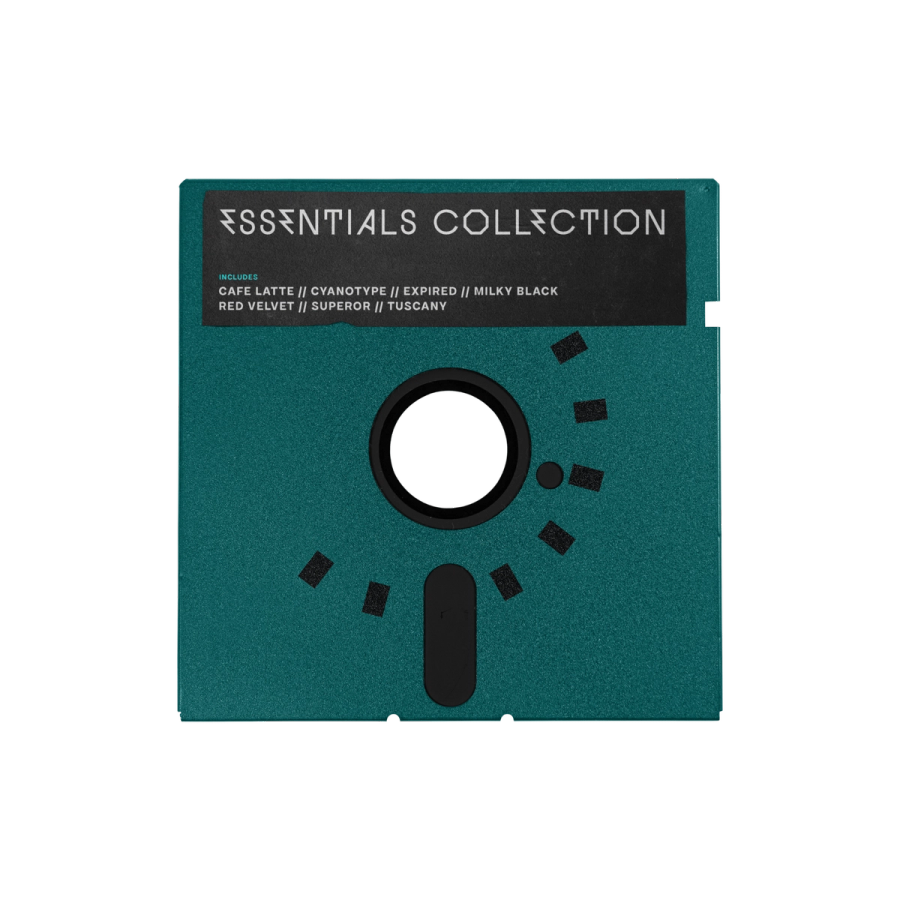
Essentials Collection
Never feel limited by your filter options again. The Essentials Collection includes 7 carefully curated filters that cover the looks you'll reach for most - whether you're shooting street, portraits, or landscapes.
You might also enjoy

Why Do My Camp Snap Photos Look Washed Out? (And How to Fix It)
If your Camp Snap photos look flat, and lack-luster it's the stock processing, not something you did. Here's why it happens, what helps, and the filter fix.

How to Get a Film Camera Look Without a Film Camera
Love the look of film but not the cost or hassle of shooting it? Here's how a Camp Snap and the right filter gets you most of the way there, straight out of camera.
Introducing: Ultra - Our first premium Camp Snap filter
Camp Shades' new premium filter for your Camp Snap. Rich green shadows meet playful pink highlights that truly make sunshine moments pop
All about Camp Snap filters and how to make them
What’s a Camp Snap filter? Why might you want to use one? And how can you make your own?